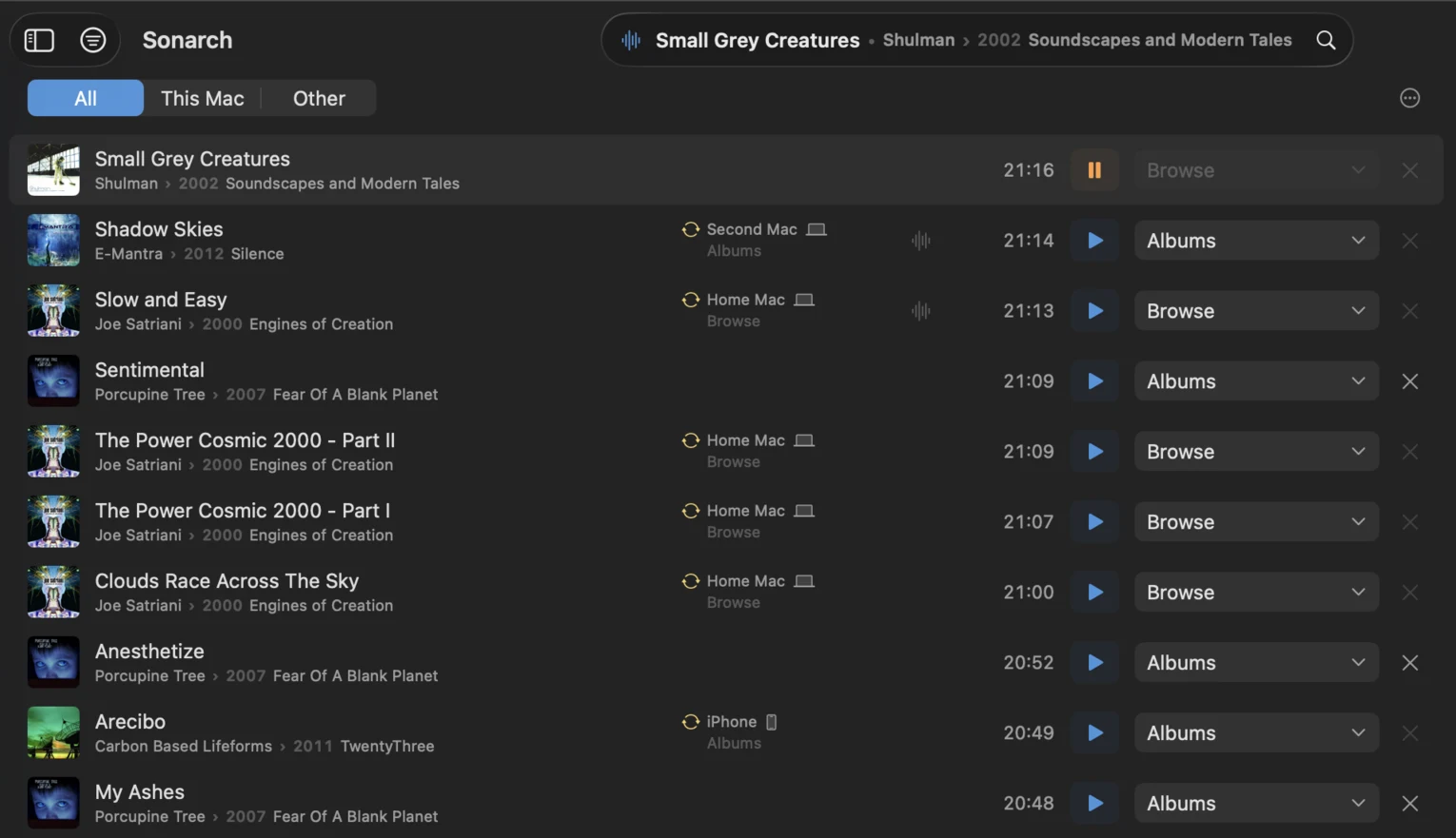
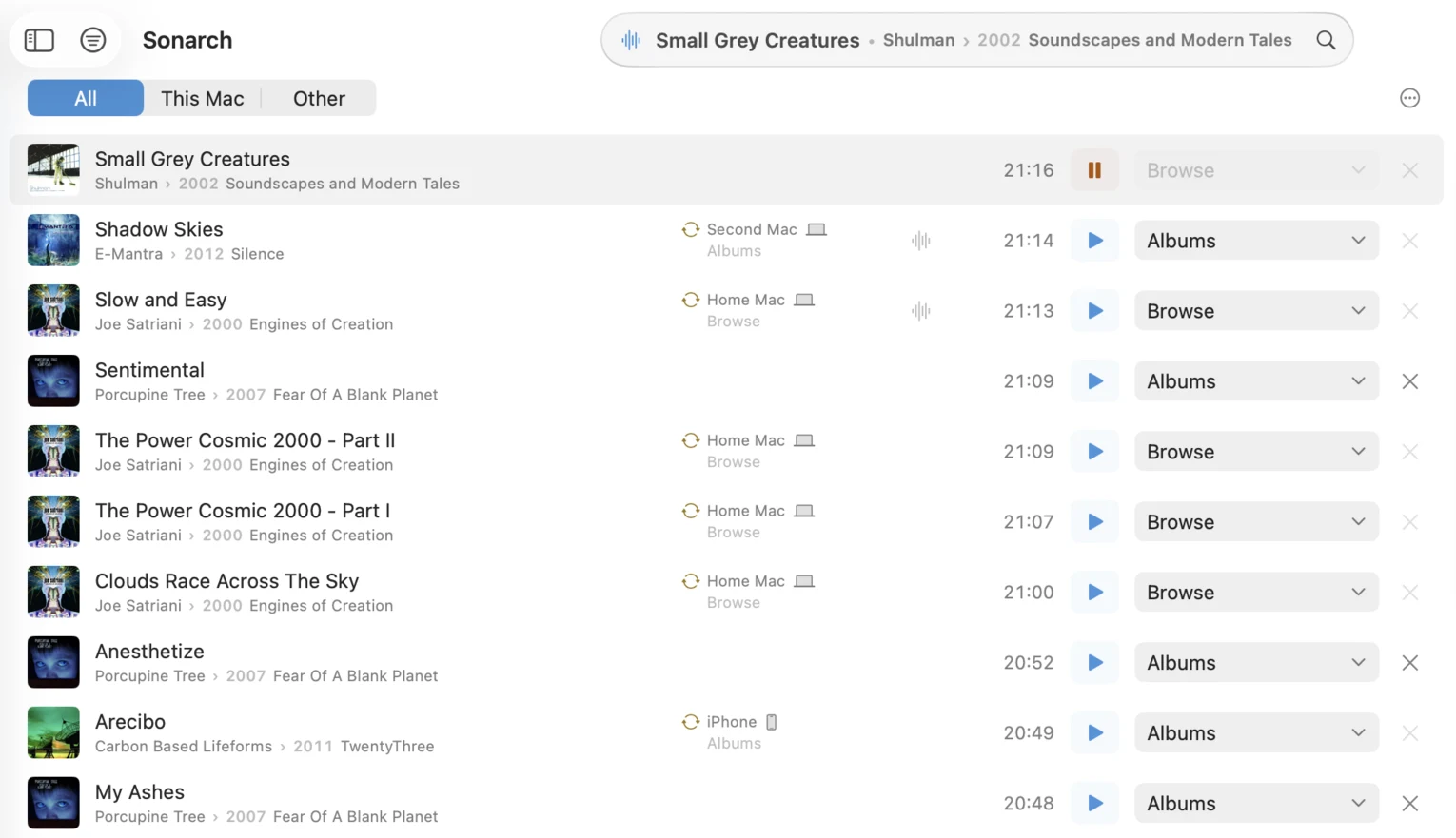
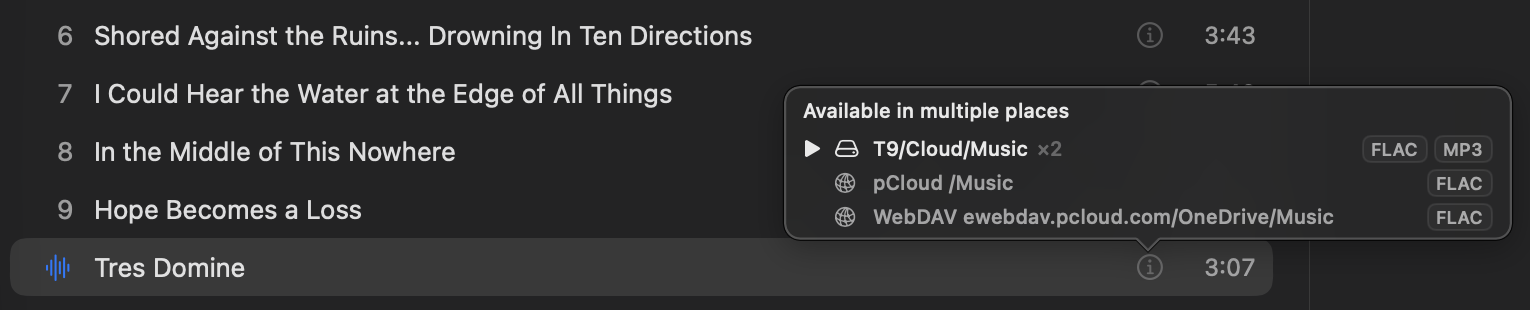
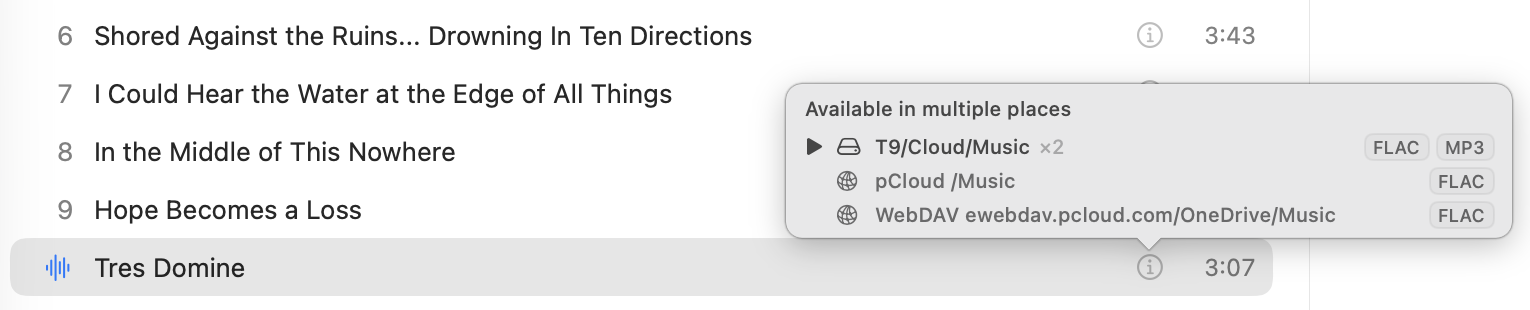
One track, however many copies
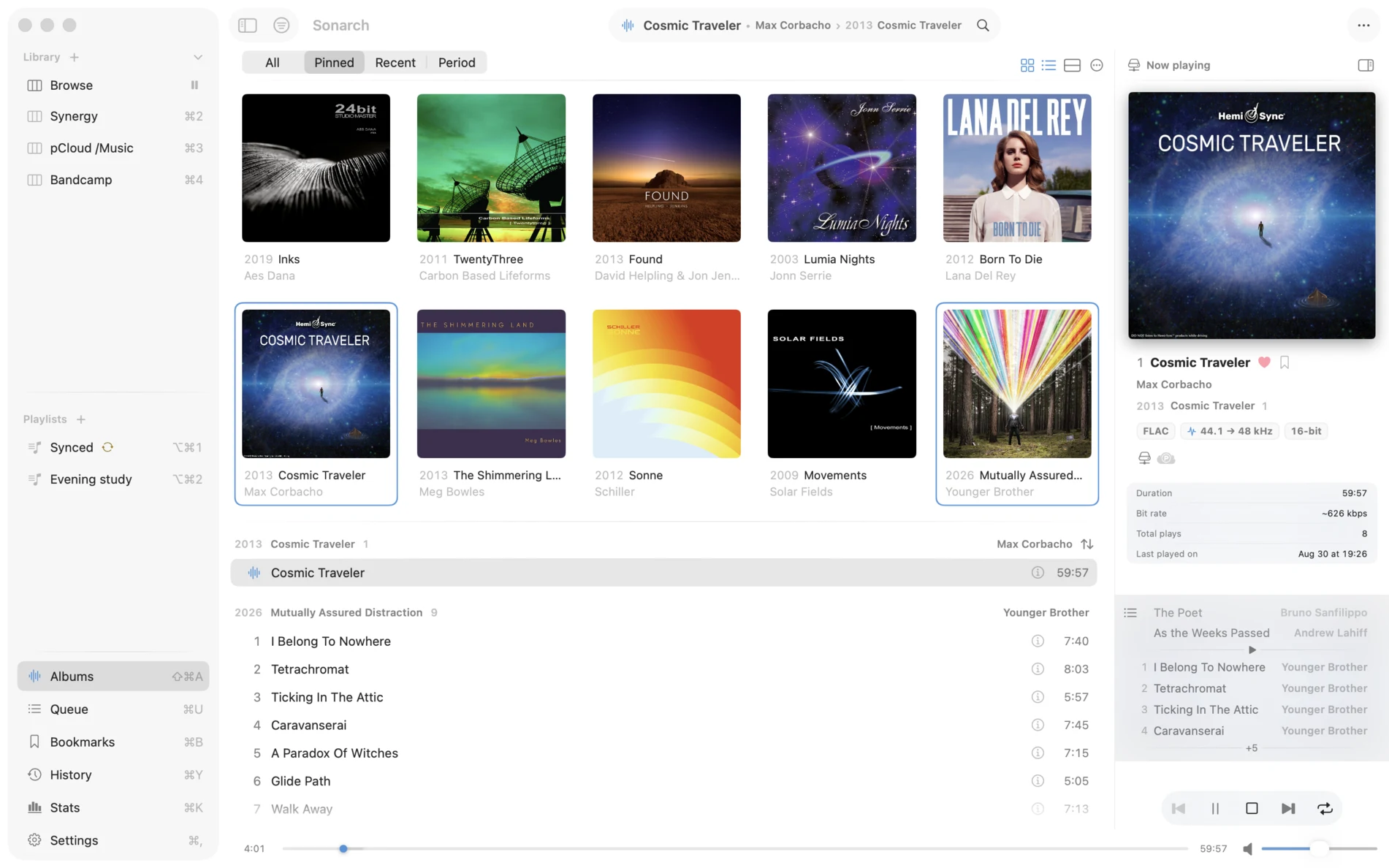
A track you have as FLAC and again as MP3, sitting in different places, is one "meta" track in your library.
Your sonic archive




macOS 15+ · iOS 18+ · Apple Silicon
A deep, carefully made music player for the library you already own: local folders, cloud storage, your Bandcamp collection and your own servers, on Mac and iPhone.





The foundation
Free, and not a trial.
Everything the paid tiers are built on top of. None of it is counted, watermarked or made read-only.
A track you have as FLAC and again as MP3, sitting in different places, is one "meta" track in your library.
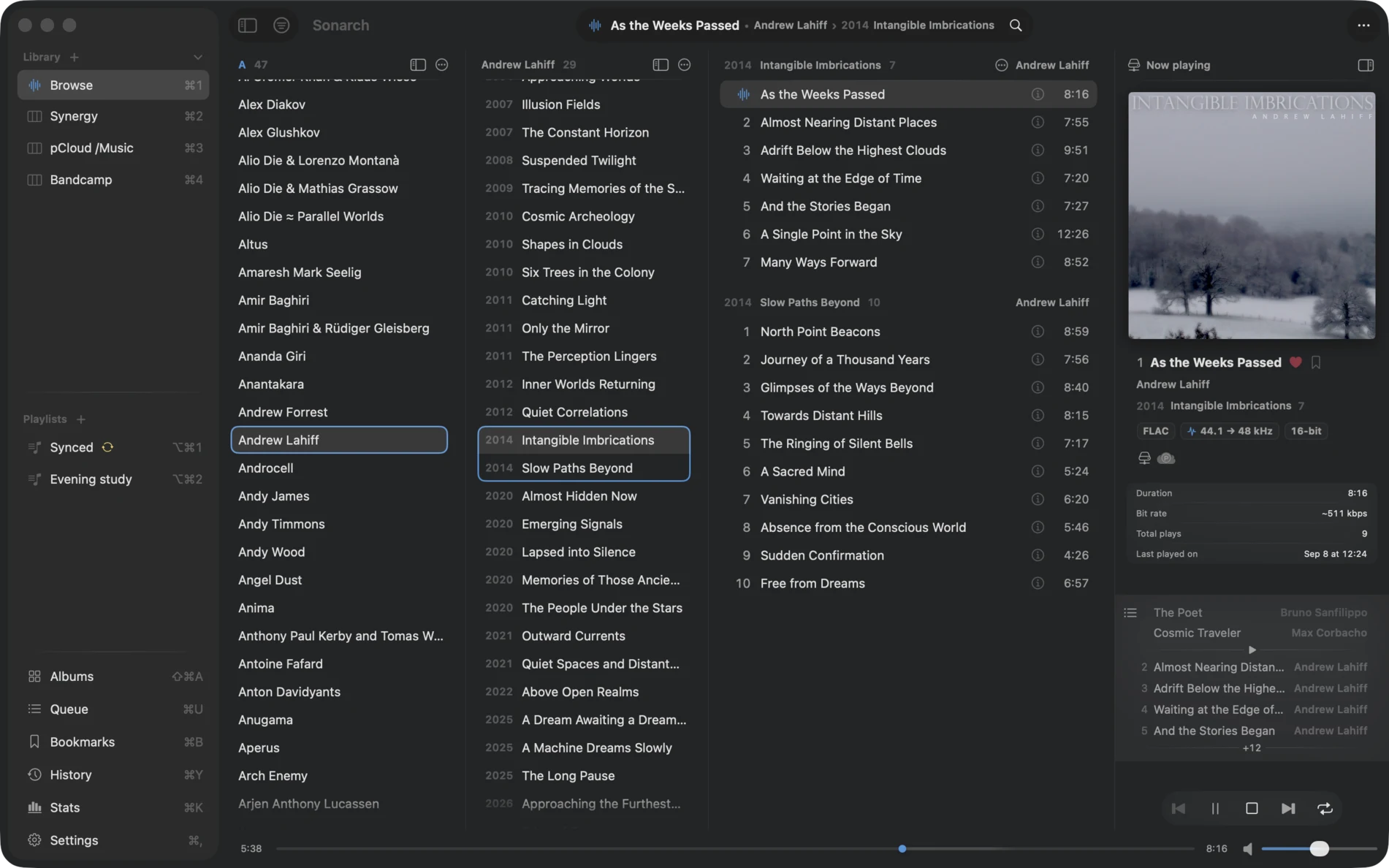
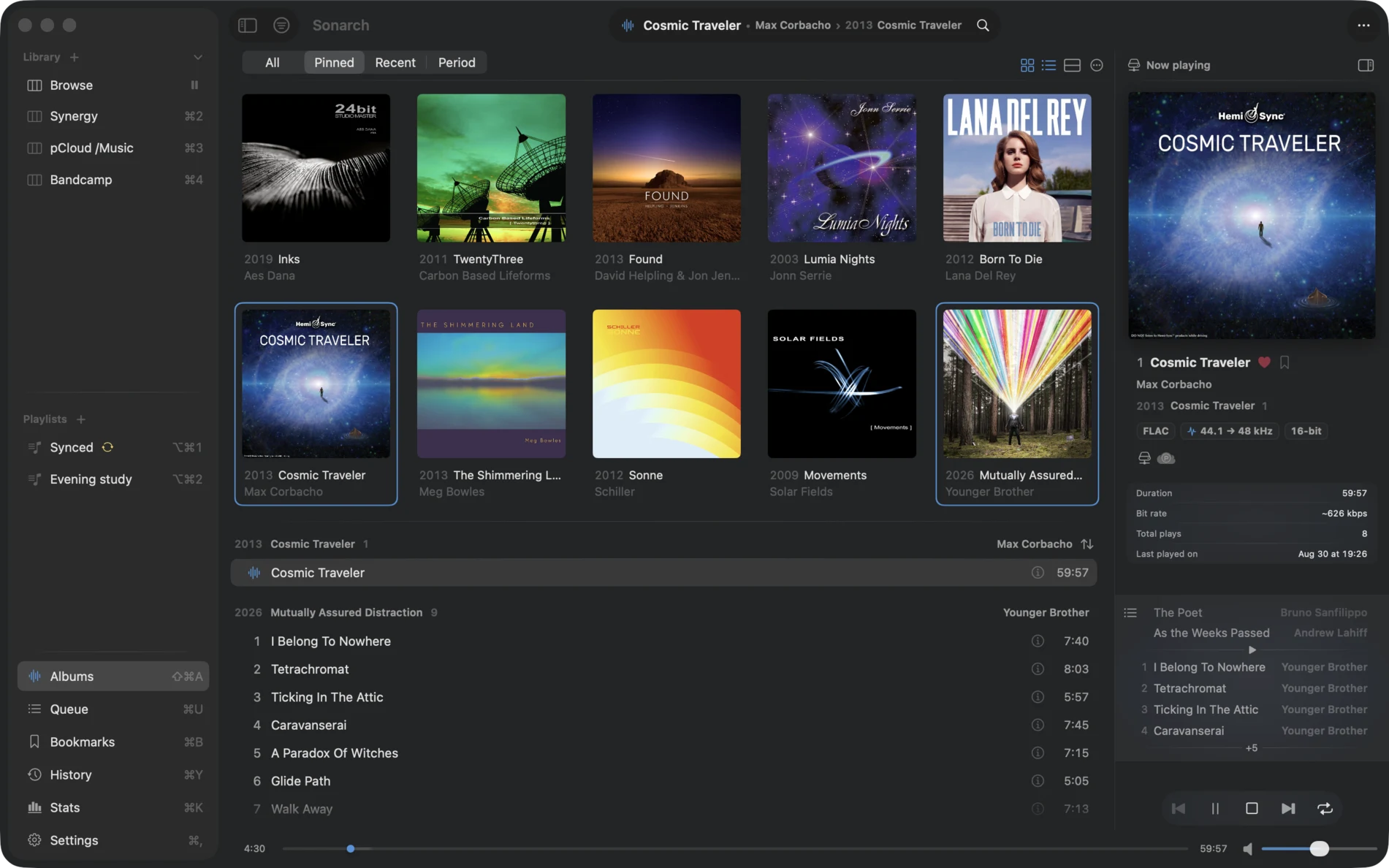
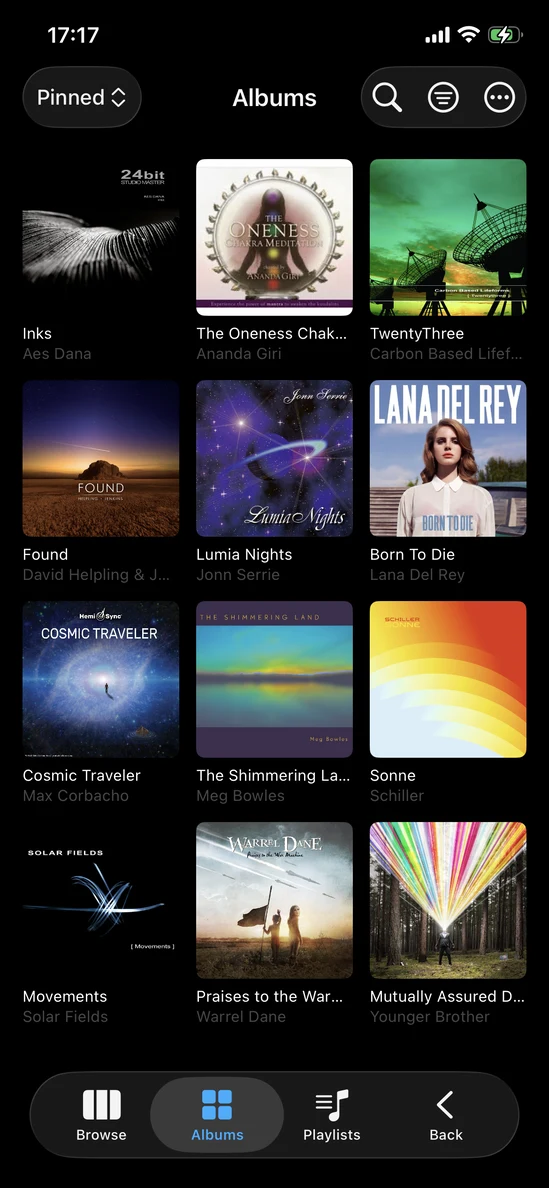
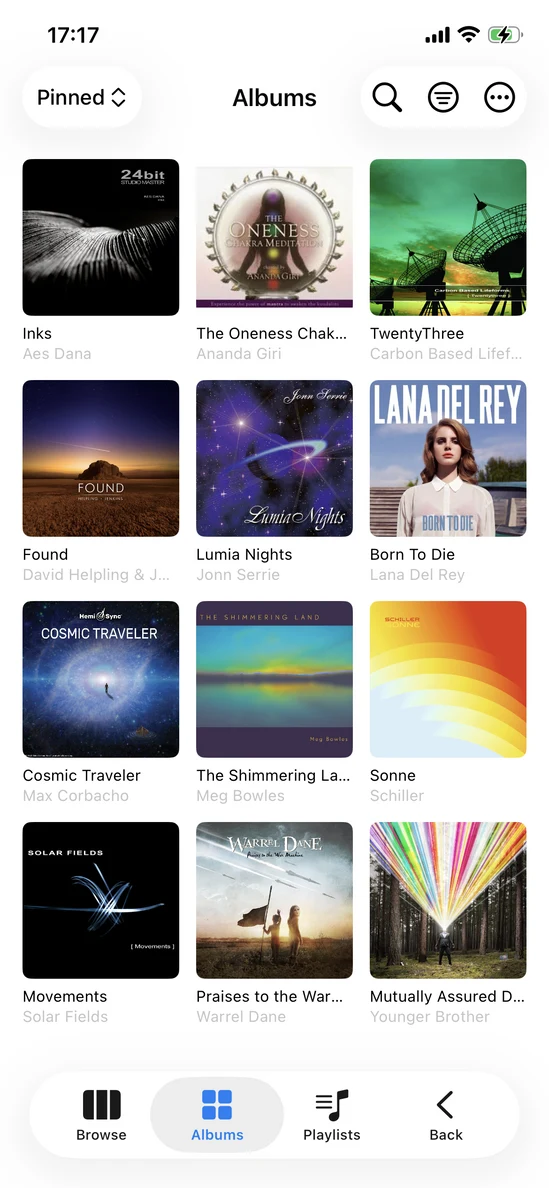
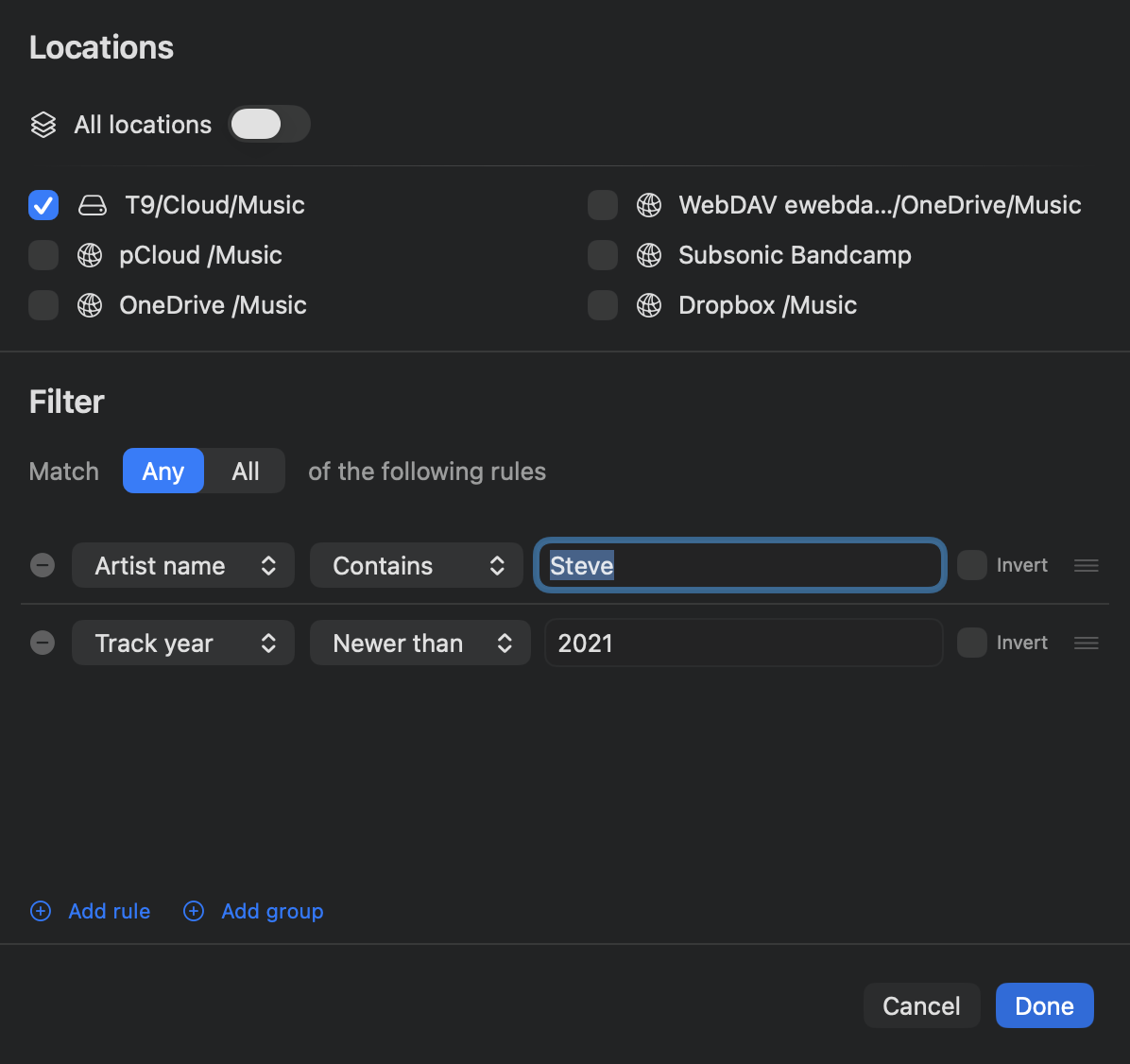
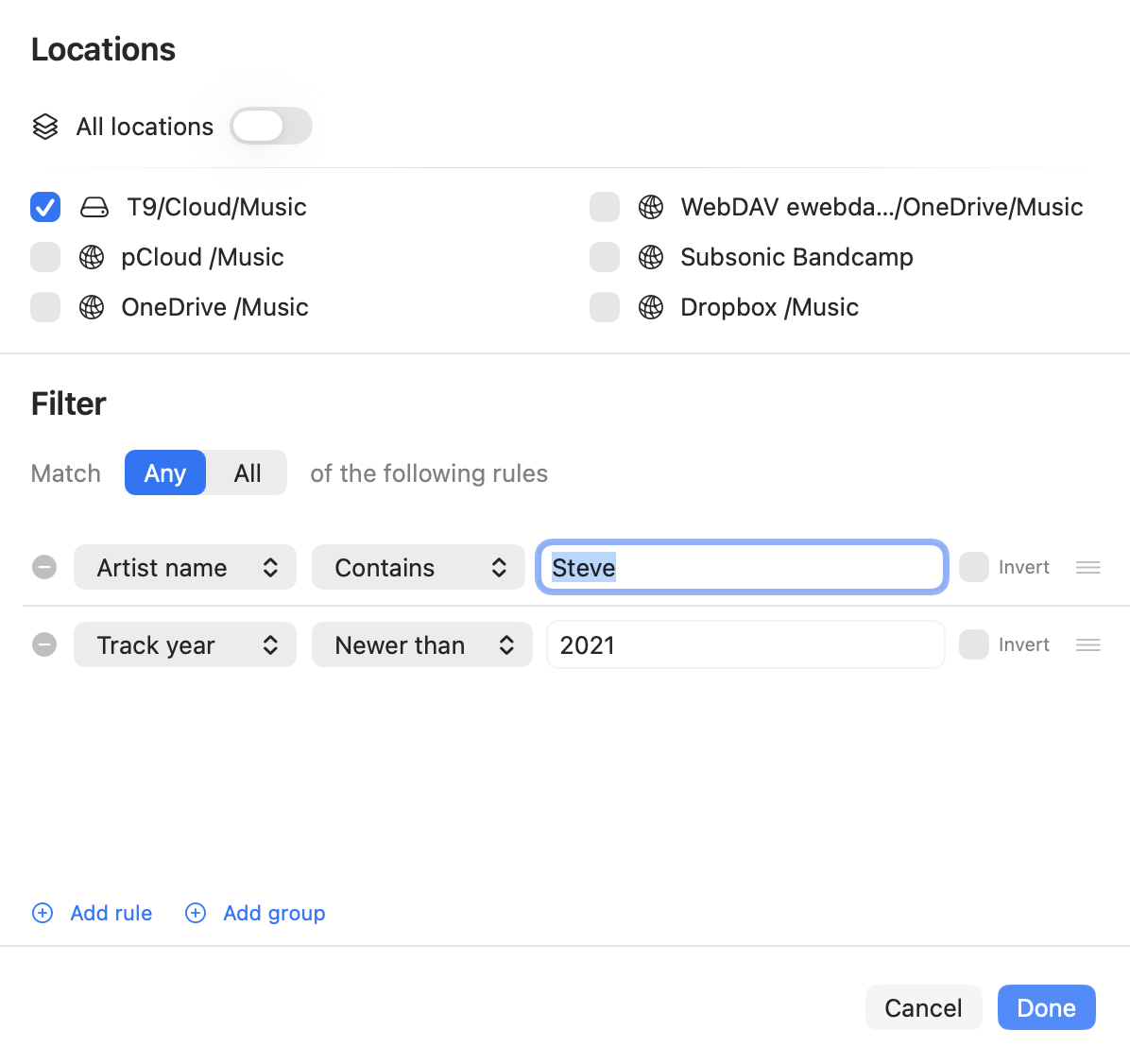
Every library view can be restricted to the locations you choose. A browse view takes rules as well, composed on the Mac in its own filter engine. Each view is live and persistent.
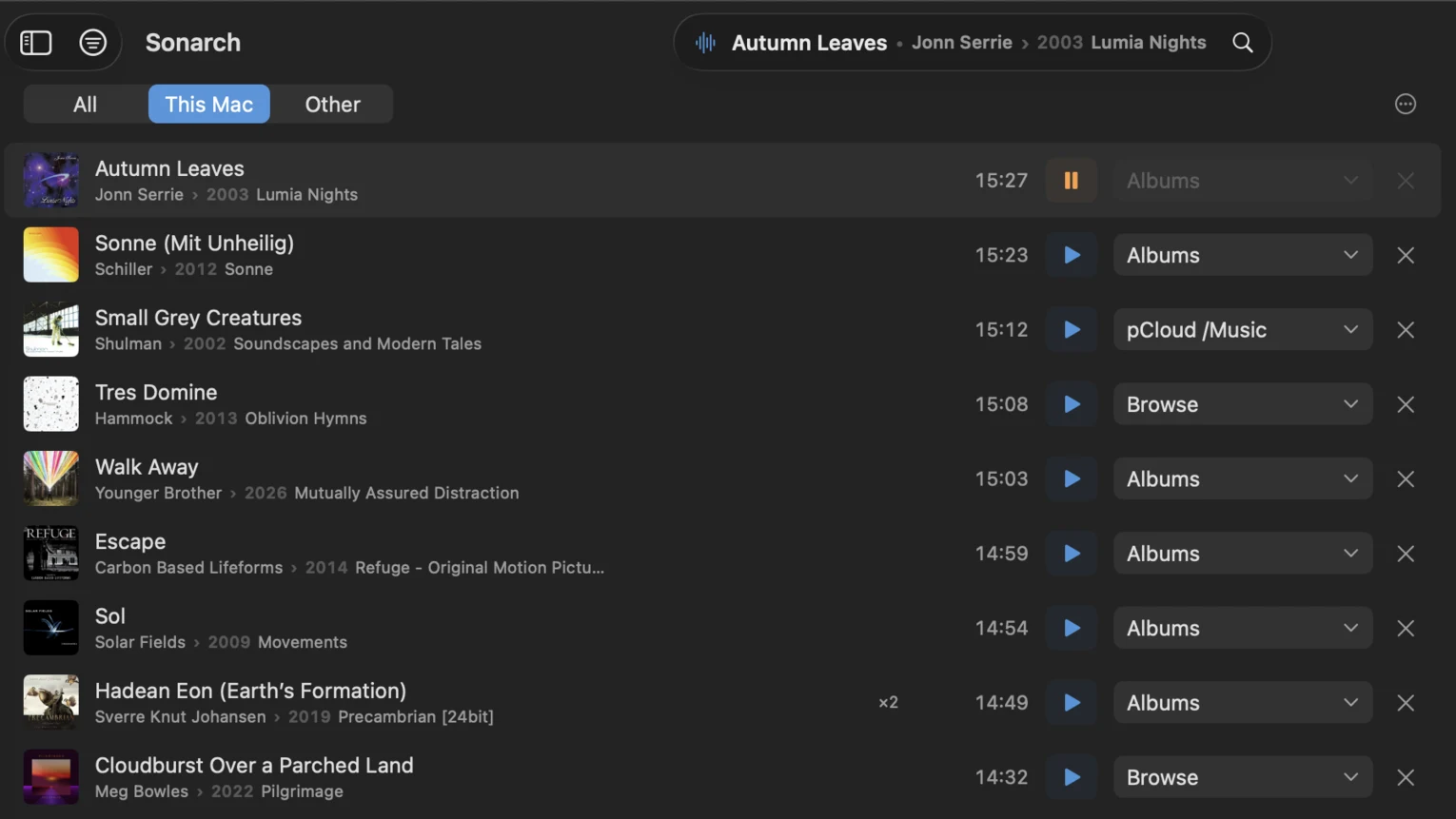
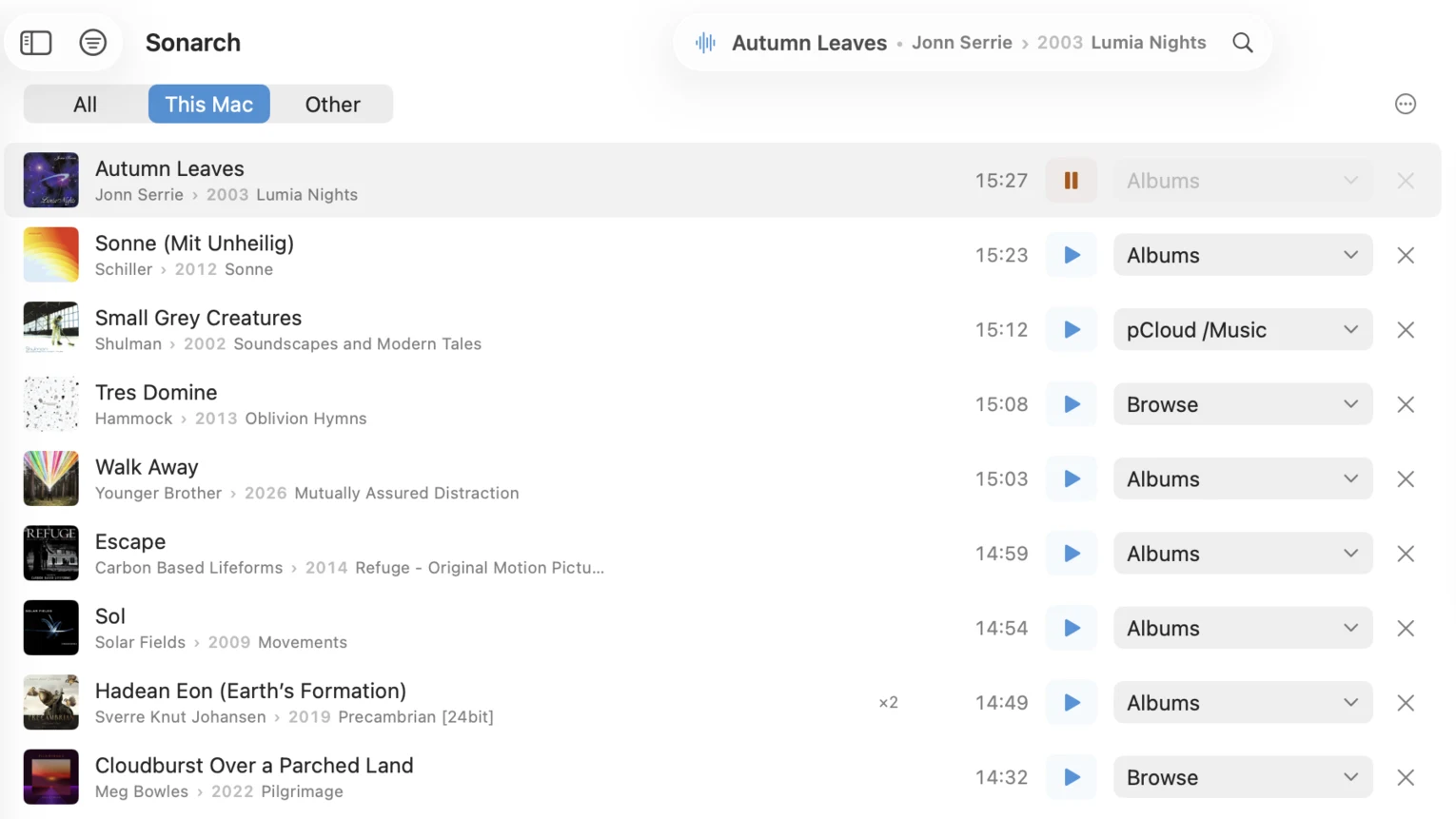
History keeps every play with the time it happened, counts a track that came round more than once, and leaves skips out until you ask for them. Each row remembers the view it was played from, so it can be played again or opened where it came from.
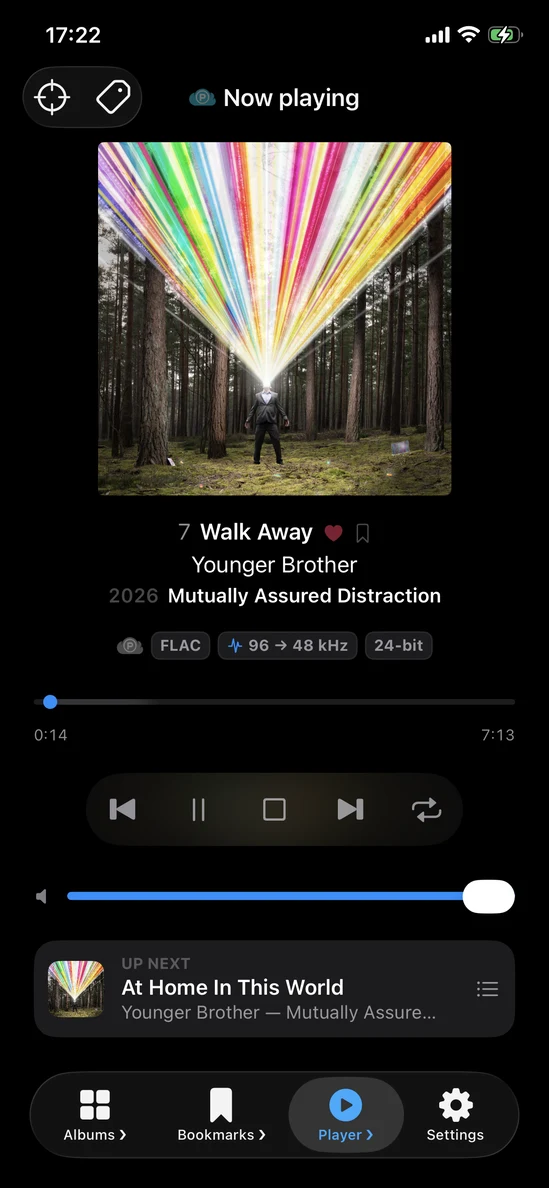
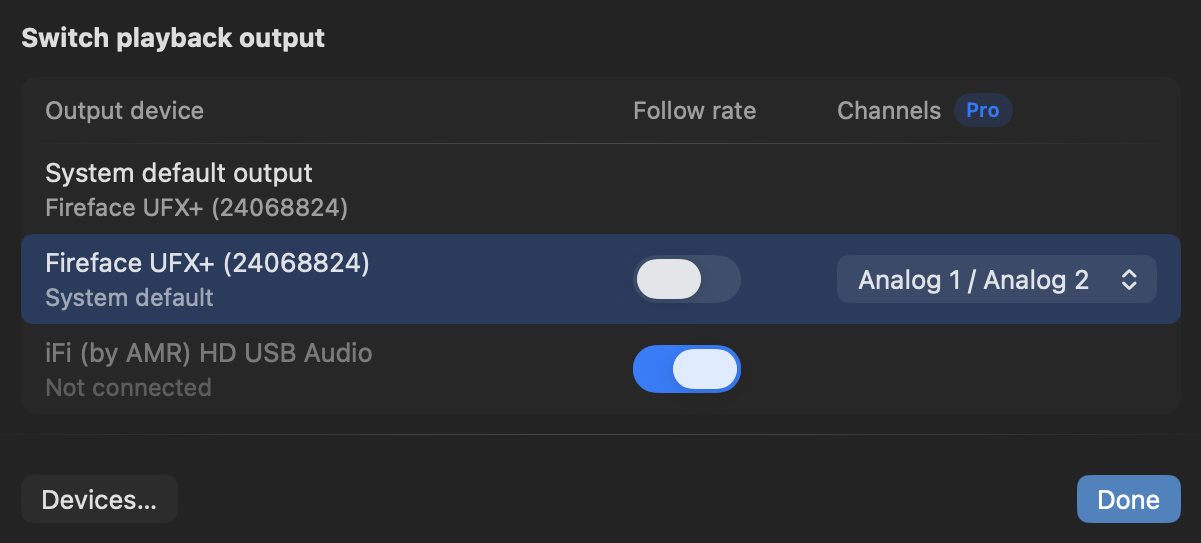
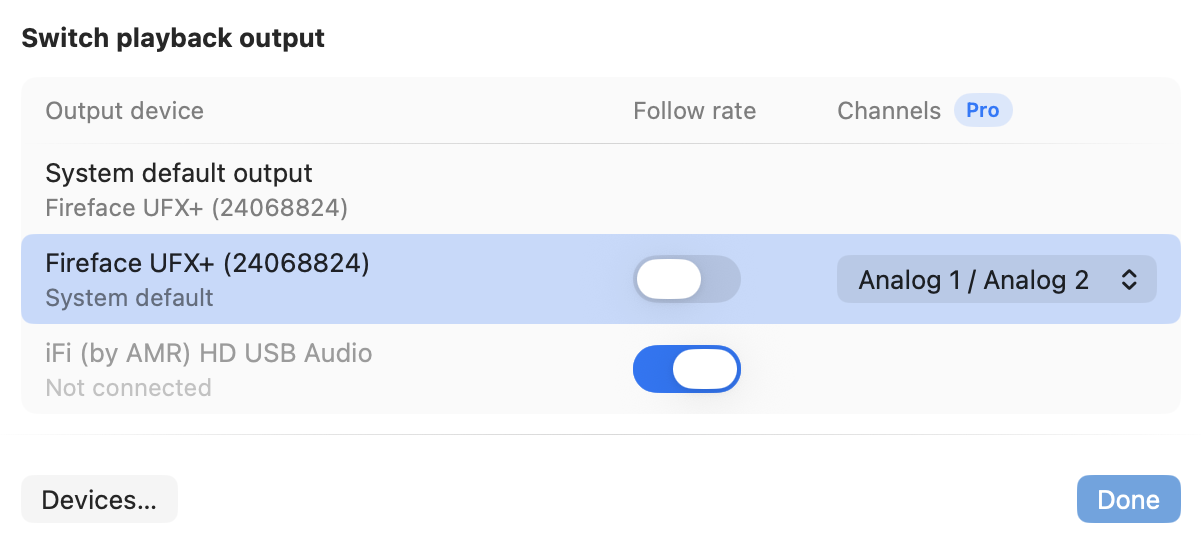
Mid-track, from wherever you are, and back to what you were doing — never a trip into Settings. The list is the outputs you marked as worth offering rather than everything the Mac has ever seen. Each keeps its own settings: whether to run at each track's own sample rate, and — this part is Pro — which pair of outputs to use on an interface with more than two. One that is switched off keeps its row and its choices, so turning it back on puts everything as it was.
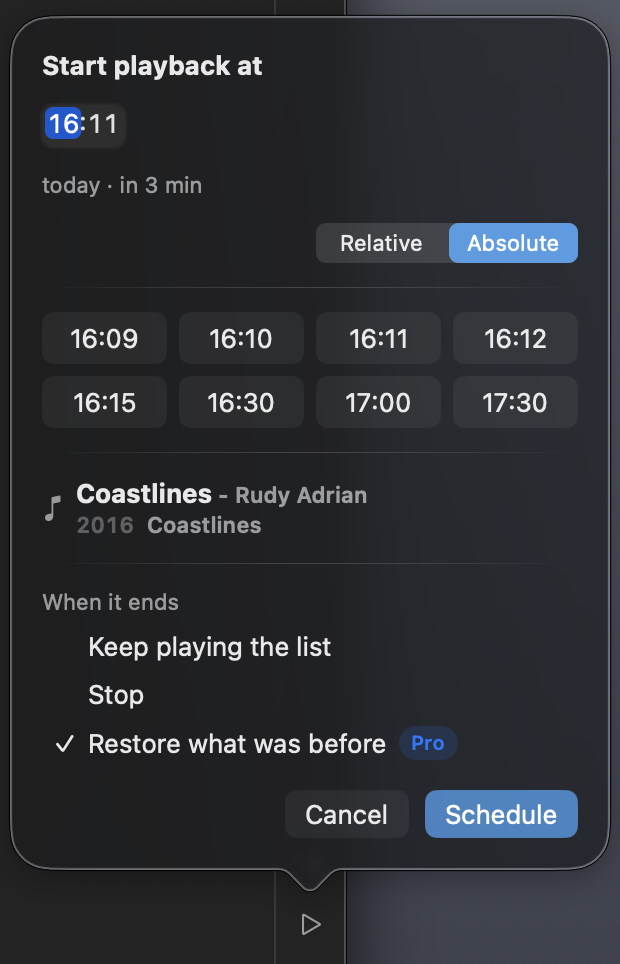
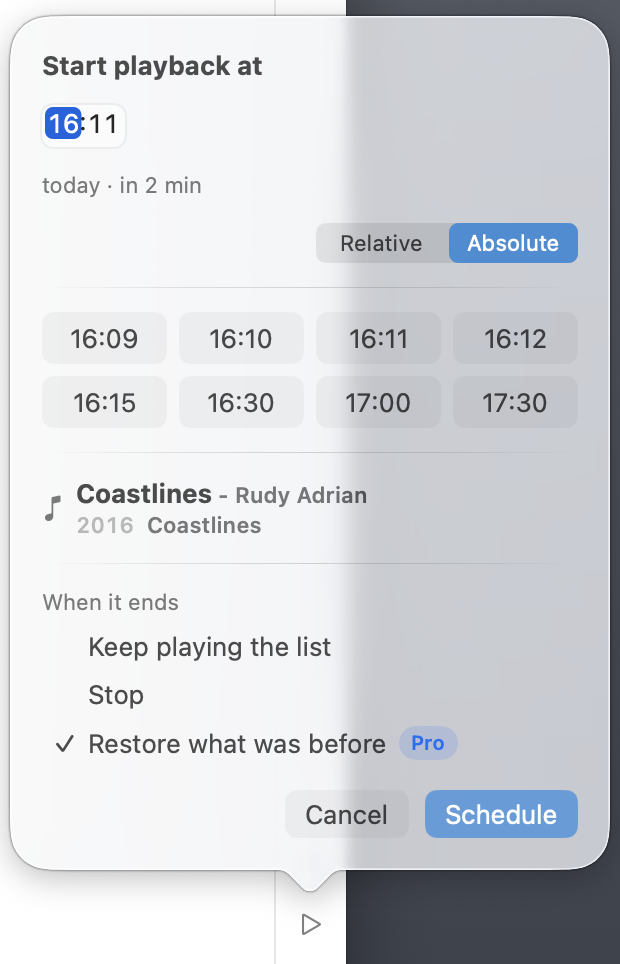
Pick a moment, or a wait, and the track you chose starts then. What happens when it ends is yours as well: keep playing the list, stop, or restore what was before — the last of those is Pro.
Everything in Free, plus
Beyond the local disk
A one-time purchase.
Not on sale yetEveryone who joins before 2.0 keeps Pro free, for good.
Your library stops being whatever is on this machine.
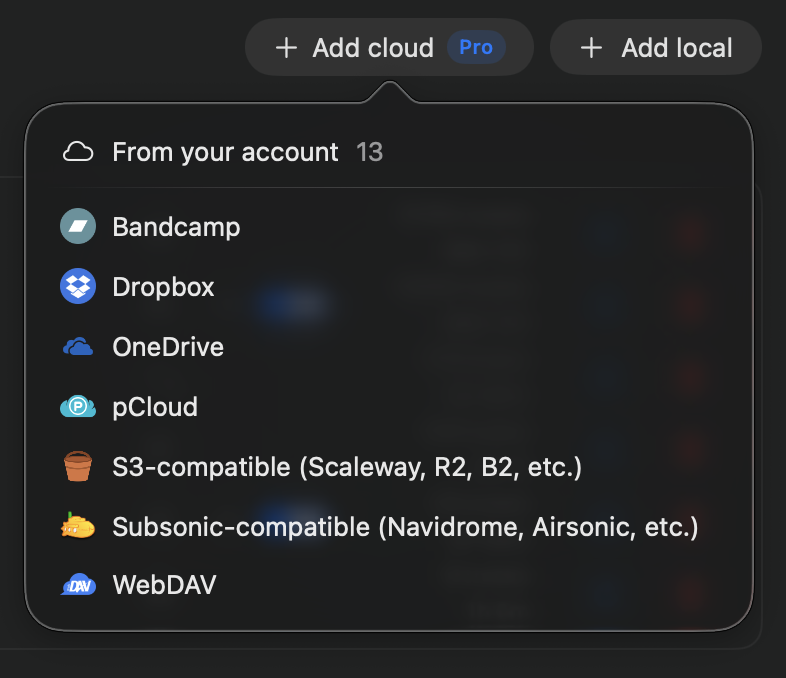
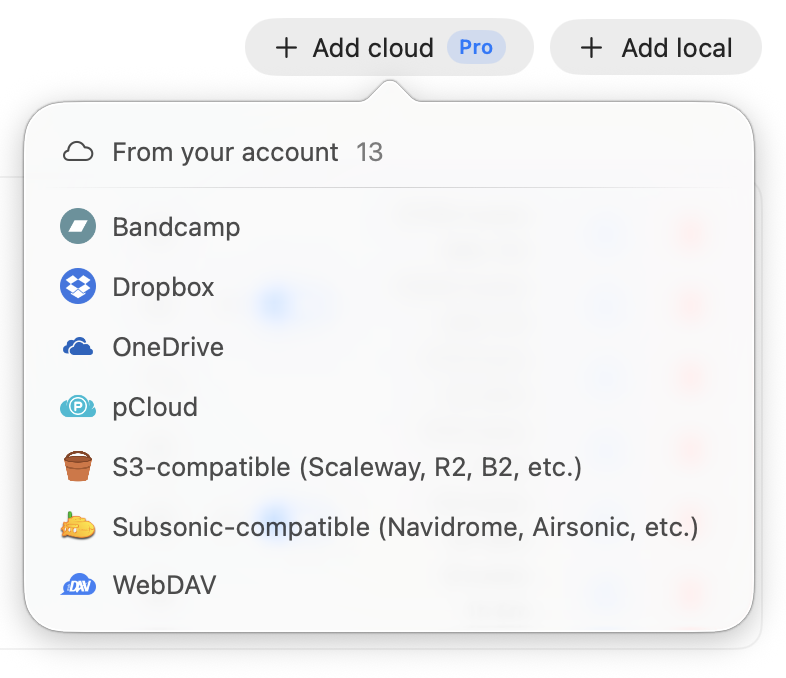
Bandcamp, Dropbox, OneDrive, pCloud, WebDAV, S3 buckets from AWS to Backblaze and Cloudflare, and any Subsonic-compatible server, Navidrome among them. Played by range streaming, so a track starts without downloading it first.
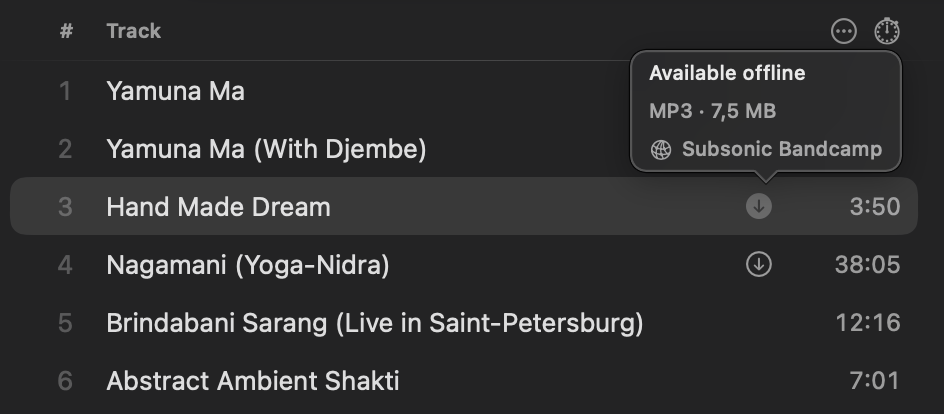
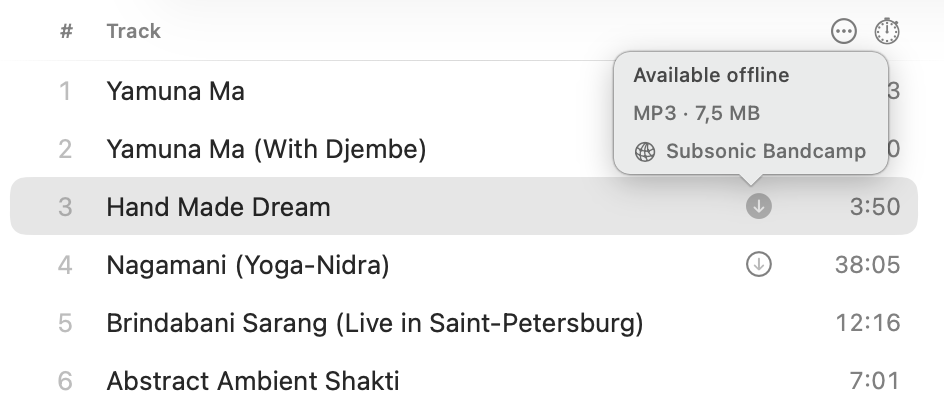
Download what you want to keep for when there is no network. What is downloaded is still the same track, in the same library, in the same place.
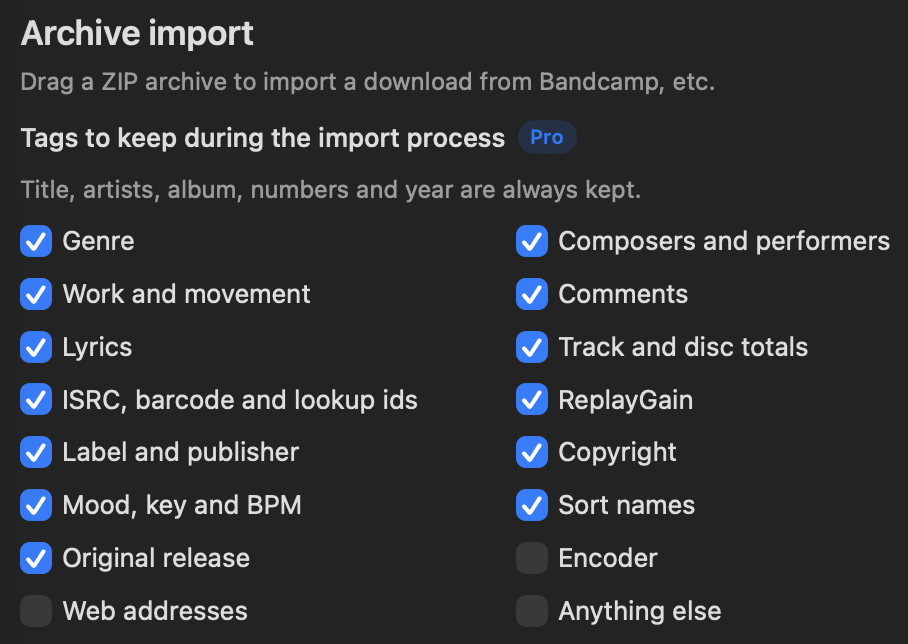
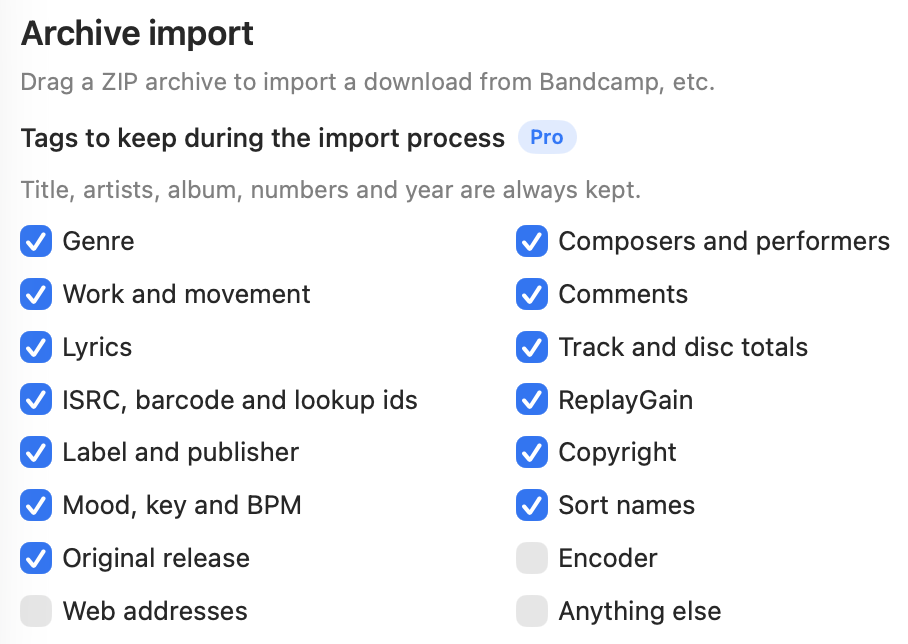
A shop leaves its own marks on what it sells: the tagger's name, the links it was bought through, frames nothing can name. Say which kinds of tag survive an import and every archive after that obeys it. Title, artists, album, numbers and year are never in question.
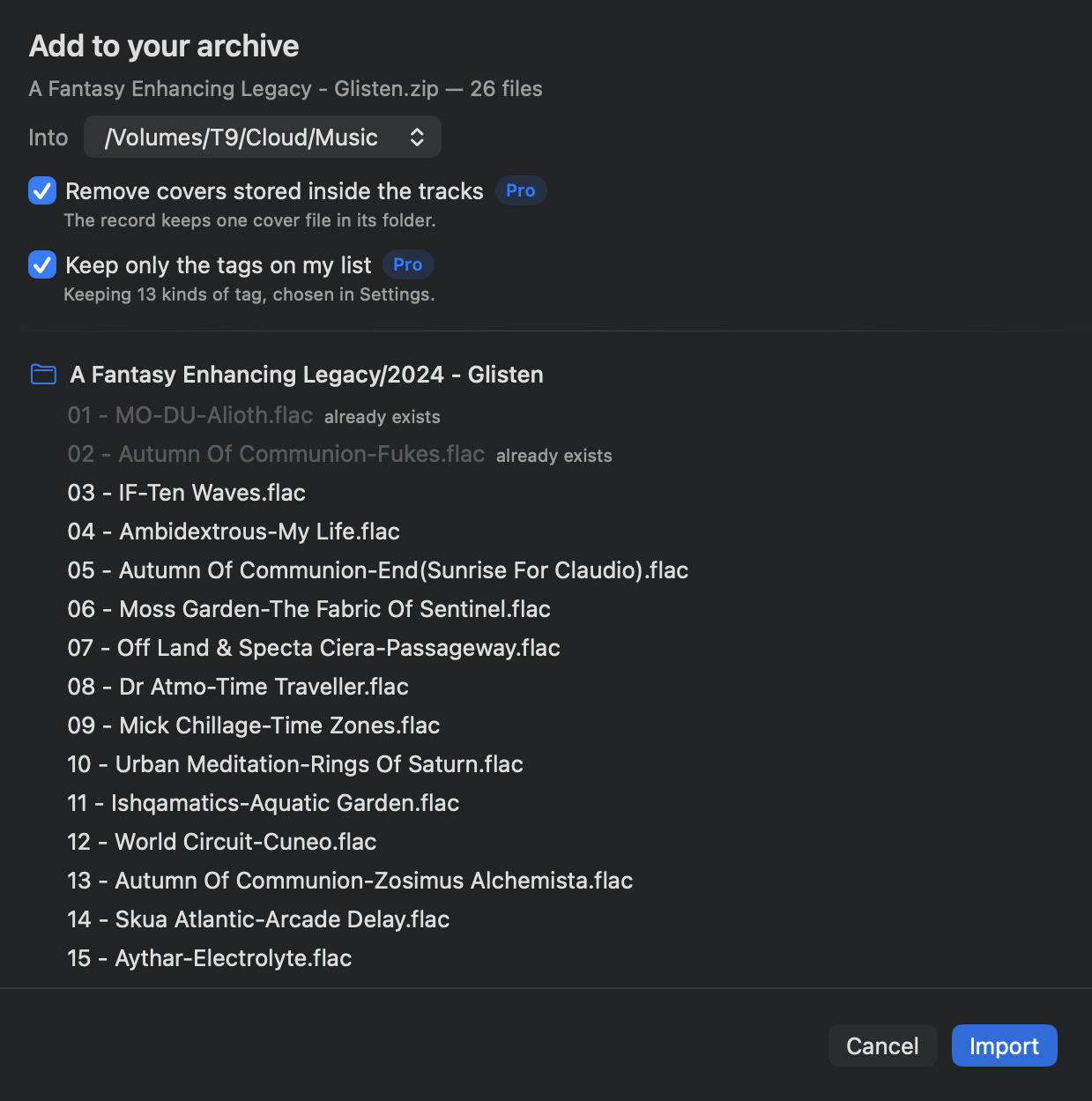
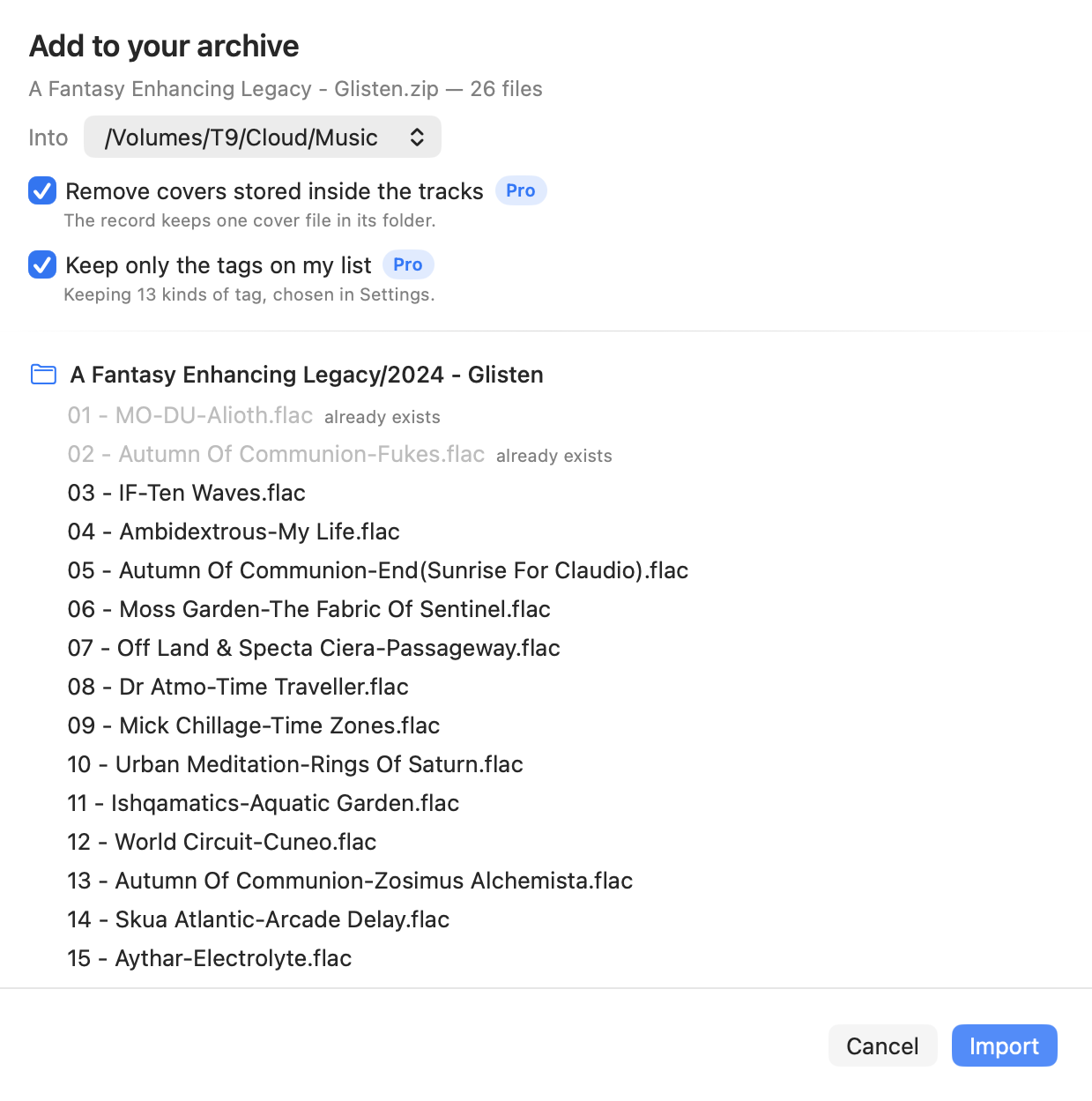
Drop an archive in and it says what it holds, where it will land, and what it is about to drop. Dragging a ZIP in is Free; tidying it on the way is what Pro adds — the tag list above, and one cover file for the record instead of the same sleeve inside every track.
Everything in Pro, plus
Your own devices, in step
A subscription, Pro included.
In beta, free until 2.0Signing in is all it takes, and there is no card and nothing to cancel. It becomes a subscription at 2.0 — unlike Pro, this one is not kept afterwards.
What you have done and where you were, carried between your devices. All of it works offline and signed out on a single device — the subscription buys the crossing, never the feature.
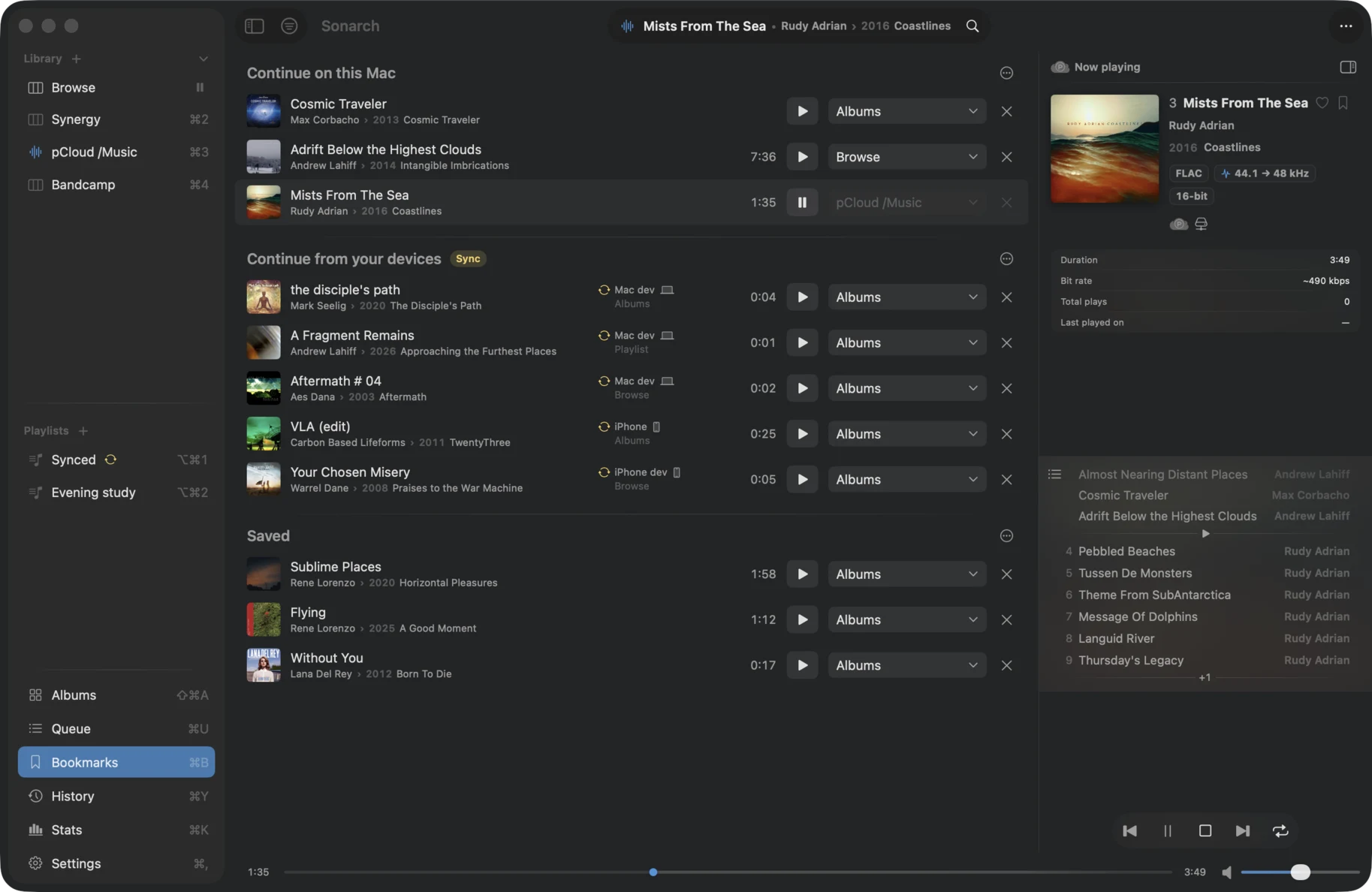
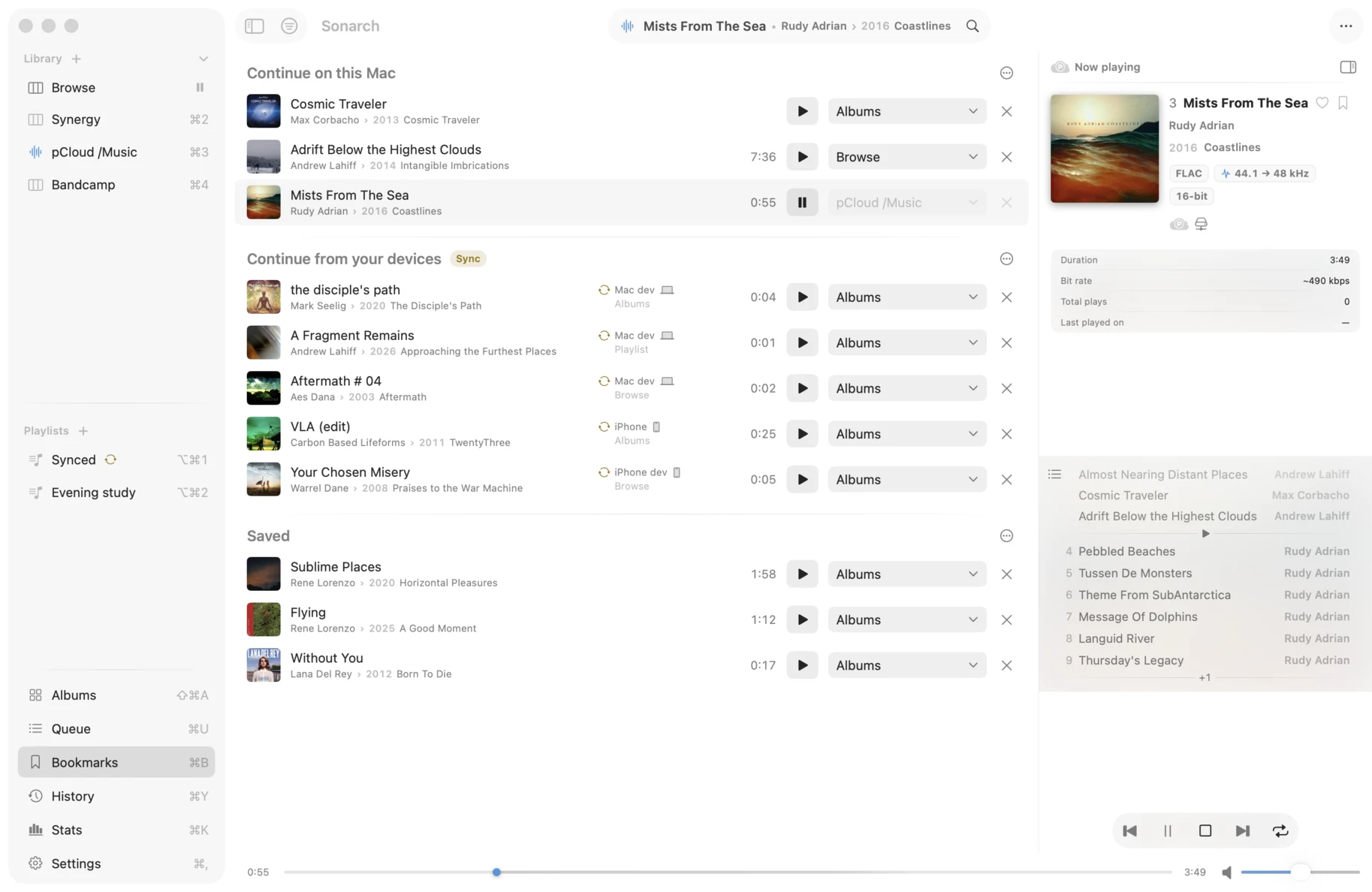
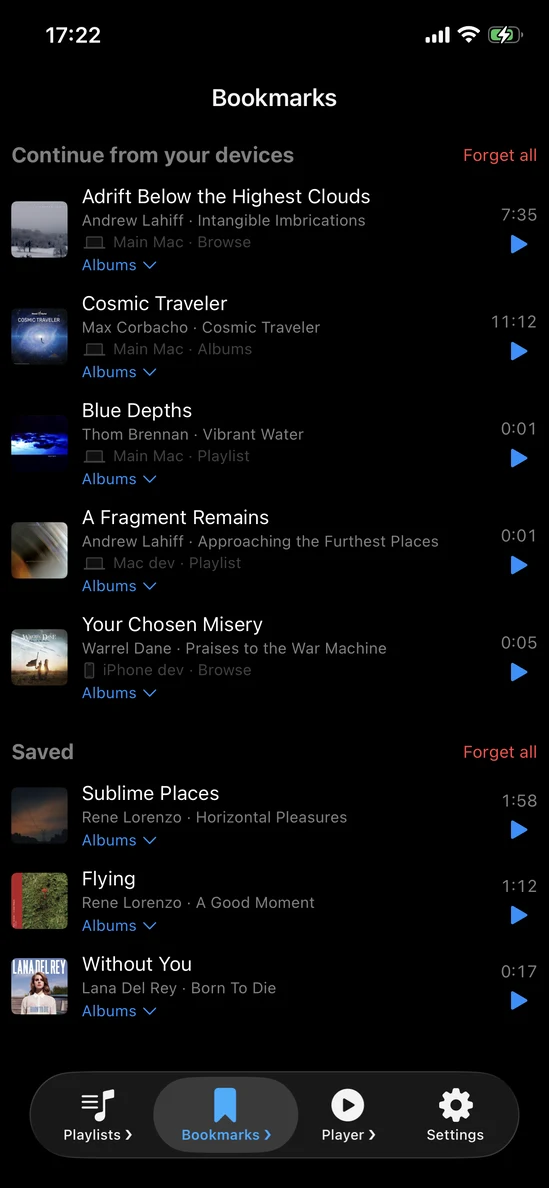
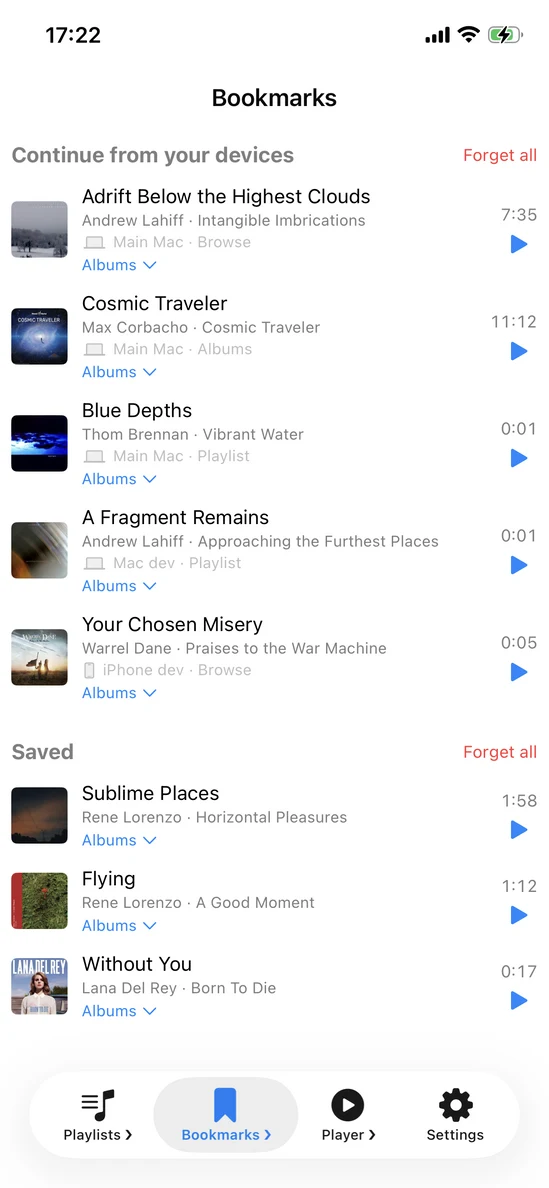
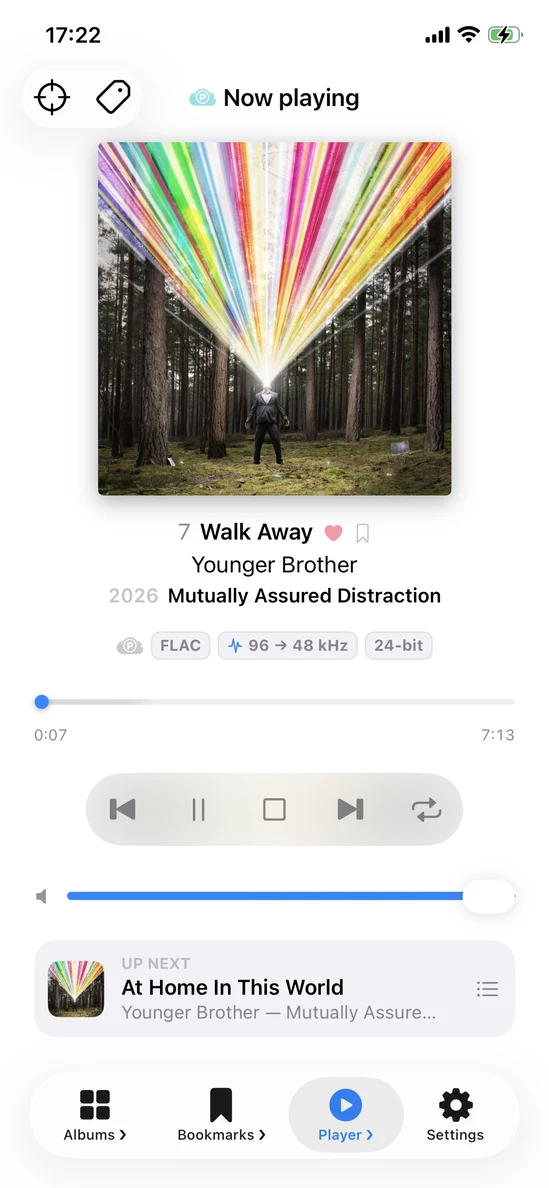
Pause on the Mac and carry on from the phone at the same second, in the middle of an album. Every machine's places arrive in one list, each saying which one made it and what it was playing from, and the places you made on the device in your hand keep their own group above them.
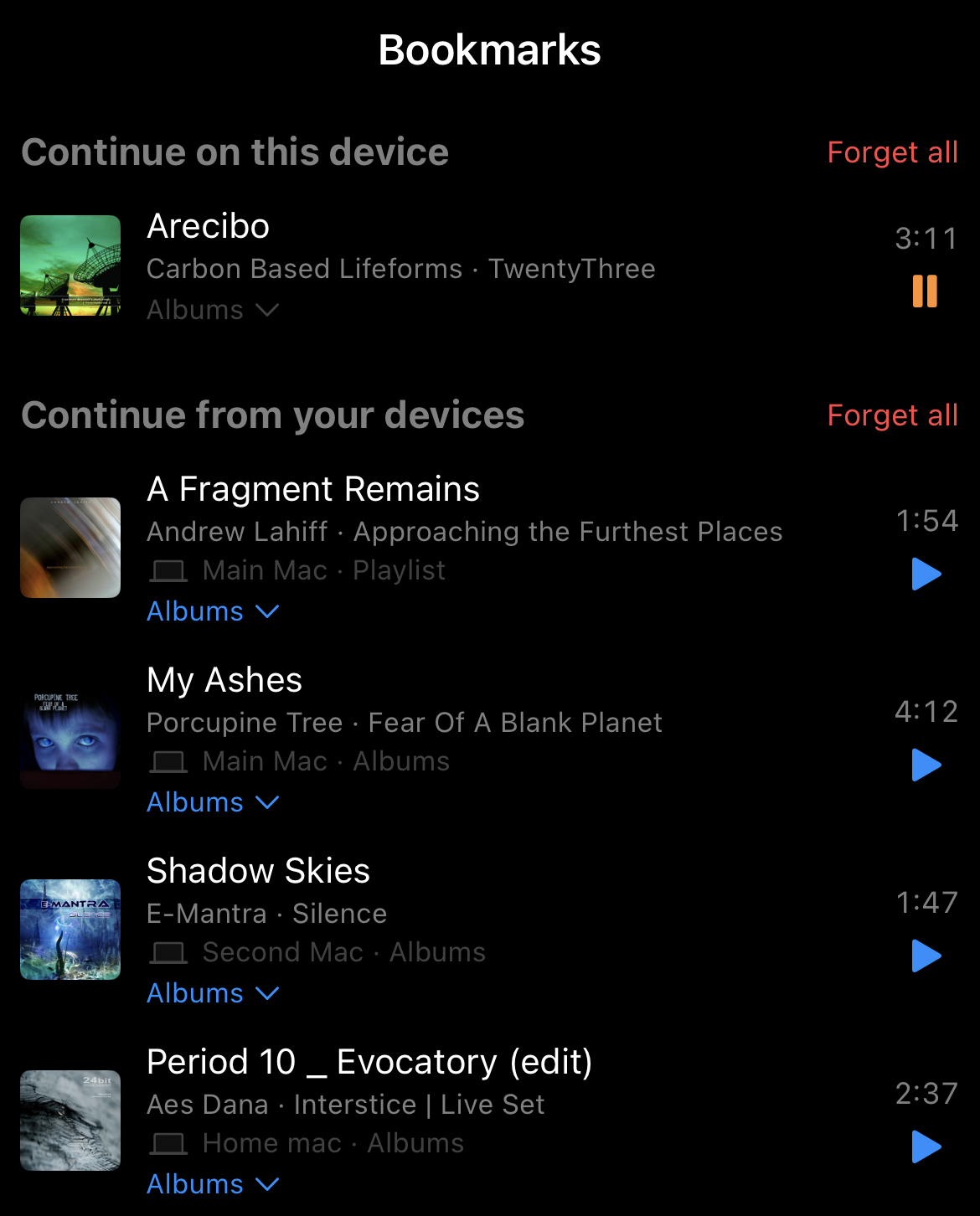
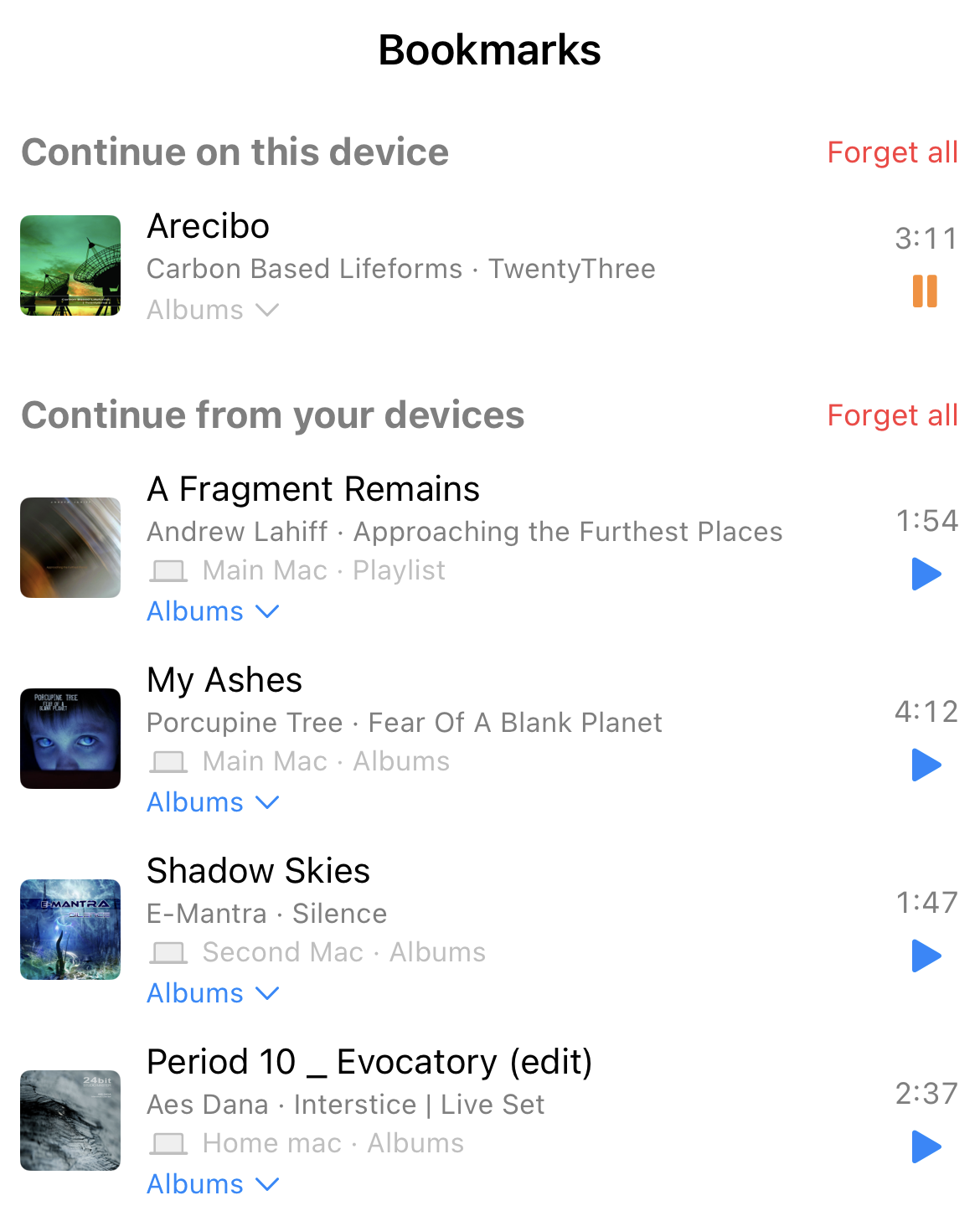
What you played on another device is here, each row naming the machine and what it was playing from, with play counts per device and totalled. One tab narrows the list back to this Mac and another to everywhere but it, and you can carry on from any of it where the track is available.